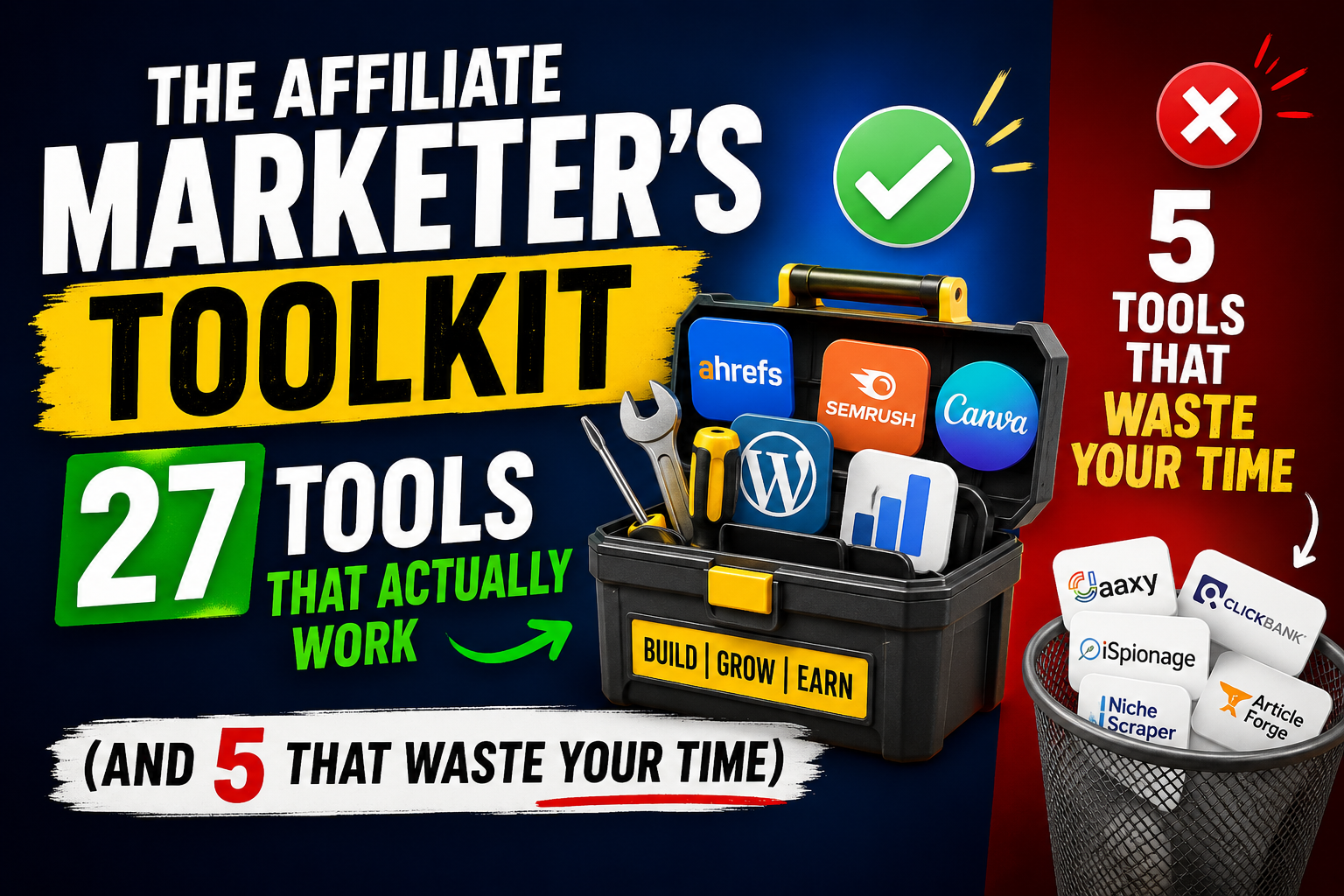
The Affiliate Marketer’s Toolkit: 27 Tools That Actually Work (And 5 That Waste Your Time) I got into affiliate marketing back in 2018, right around the time everyone and their cousin was launching a “passive income” blog. You know the type. Flashy webinars, promises of beach lifestyles, and a whole lot of nothing underneath.
What nobody told me was how much stuff you need just to keep the wheels turning. Not fancy stuff. Just practical, get-it-done tools that don’t cost a month’s rent.
After six years of trial and error—mostly error, if I’m honest—I’ve built a toolkit that works. Some are free. Some will make you wince when you see the price. But every single one has paid for itself at least ten times over.
Let’s start with the ones you actually need, then I’ll tell you which famous tools are quietly stealing your money.
Part One: Link Management (The Boring Stuff That Matters)
If you skip this section, you’re leaving money on the table. I don’t care how good your content is.
1. Pretty Links – The Old Faithful
Pretty Links isn’t sexy. It doesn’t have a fancy dashboard or AI-generated insights. What it does is simple: it takes those ugly affiliate links—you know, the ones that look like https://shareasale.com/r.cfm?b=123456&u=7891011&m=54321&urllink=&afftrack=—and turns them into something like yourdomain.com/go/product-name.
I started using it because I was embarrassed. Seriously. Every time I pasted a raw affiliate link into an email or a Facebook post, I felt like I was showing up to a dinner party in sweatpants. Ugly, unprofessional, and suspicious.
The real benefit showed up later, though. Pretty Links tracks every single click. Not just how many, but when and where from. That data helped me kill a whole category of content that was getting clicks but zero sales. Turns out people were clicking out of curiosity, not intent. Without the tracking, I would have kept writing for another year before realizing my mistake.
Cost: $99/year for the basic plan. Worth every penny.
2. ThirstyAffiliates – The Competitor
Some people swear by ThirstyAffiliates instead. I’ve used both. ThirstyAffiliates has a better keyword linking feature—you can set it to automatically turn certain words into affiliate links anywhere on your site. Sounds great until you accidentally link the word “cheap” to a $2,000 course. Yes, that happened to me. Yes, someone clicked it. No, they didn’t buy.
ThirstyAffiliates also gives you more granular reporting. You can see which links are clicked from mobile versus desktop, which is helpful if you’re promoting something like a meal kit service that people usually buy on their phones.
I switched back to Pretty Links because it’s lighter on my database. ThirstyAffiliates has more features but also more bloat. Your call.
3. Bitly – The Free Option
If you’re just starting and have exactly zero dollars, use Bitly. It’s free, it’s reliable, and it gives you basic click tracking. The downside? Your links look like bit.ly/3xYzABC instead of your own domain. That matters more than you think.
I ran a test once. Same product, same traffic source, same call-to-action. Half got a Bitly link, half got a Pretty Links branded link. The branded links had a 23% higher click-through rate. People trust custom domains. Bitly screams “this is a tracking link, and you’re about to be sold to.”
Use Bitly for internal tracking or temporary campaigns. For permanent content, get your own link shortener.
Part Two: Finding Products to Promote
You can have the best traffic in the world, but if you’re promoting garbage products, you’ll make exactly zero dollars. I know. I’ve done it.
4. ClickBank – The Wild West
ClickBank is where a lot of affiliates start because it’s easy to join and they pay high commissions—often 50% to 75%. The problem is that 75% of nothing is still nothing. ClickBank is flooded with low-quality products, outdated information, and vendors who disappear after six months.
That said, I still check ClickBank once a month. Why? Because buried in the junk are a few genuine gems. Look for products with a gravity score above 30 (that means other affiliates are actually making sales) and a refund rate under 5% (ClickBank shows this if you dig into the vendor analytics).
One product I found there four years ago still brings in 800−1,200 a month. It’s a niche woodworking course. The vendor answers emails personally. The students post their projects in a Facebook group. It’s real. But I had to wade through 40 terrible products to find it.
5. ShareASale – The Solid Middle Ground
If ClickBank is the wild west, ShareASale is a mid-sized city with decent laws and functioning roads. They’ve been around since 2000. Most of their merchants are legitimate businesses with real customer support and reasonable return policies.
The downside: you have to apply to each merchant individually. Some will reject you if your site looks small or low-quality. I got rejected by a pet supply company twice before I finally improved my site enough to qualify. That rejection stung, but it also pushed me to make my content better.
ShareASale’s dashboard is ugly and old-fashioned. But it works. You can see your earnings by merchant, by link, even by day of the week. That last one surprised me: I make most of my sales on Tuesday mornings. No idea why. But now I schedule my big promotional emails for Monday night, and Tuesday morning I wake up to sales.
6. Amazon Associates – The Giant
Everyone knows Amazon Associates. Everyone also knows they keep cutting commissions. In 2017, you could make 8-10% on electronics. Now? It’s 1-3% for most categories. Ouch.
So why do I still use it? Two reasons. First, conversion rates. When you send someone to Amazon, they already have their payment info saved, they trust the return policy, and they’re used to buying there. My Amazon links convert at 9-12%. My ShareASale links convert at 2-4%. That’s a massive difference.
Second, the cookie lasts 24 hours. That’s short compared to other programs (some give you 30 days or more). But here’s the trick: people who click an Amazon link often buy something within that 24 hours, even if it’s not the exact product you recommended. I’ve earned commissions on diapers, dog food, and a George Foreman grill—none of which I mentioned in my content.
Don’t build your whole business on Amazon. But don’t ignore it either.
7. Impact.com – For Serious Players
Once you start making consistent money, you’ll want to get on Impact. This platform hosts big brands like Target, Airbnb, and Ticketmaster. The commissions are lower (usually 3-8%) but the products sell themselves.
Getting approved on Impact is harder. They want to see established traffic, a professional-looking site, and a clear niche. I applied three times over two years before I got accepted. The rejection emails were polite but firm: “Your site does not currently meet our quality standards.” That hurt, but it also told me what I needed to improve.
Now that I’m in, I wish I had pushed harder earlier. The brands on Impact have better customer service, lower refund rates, and more consistent payouts. Plus, their tracking actually works—no lost commissions due to “technical issues” (looking at you, old-school affiliate networks).
Part Three: Keyword Research and SEO
You can’t make money if nobody sees your content. These tools help you get found.
8. Ubersuggest – The Budget Choice
Neil Patel’s Ubersuggest gets a bad rap from SEO snobs who use 300/monthtools.Fortherestofus,it′sperfectlyfine.Thefreeversiongivesyou3searchesperday,whichisenoughwhenyou′restarting.Thepaidversionstartsat29/month.
What I like about Ubersuggest: it shows you keyword difficulty in plain English. “Easy” means you have a real shot. “Hard” means don’t bother unless your site has a domain authority above 60. That simplicity saved me from wasting months trying to rank for “best running shoes” (hard) and instead going after “best running shoes for flat feet women over 40” (easy).
I also use their content ideas feature. Type in a seed keyword, and it shows you the most popular headlines and subheadings from the top-ranking pages. I don’t copy them. But I look for gaps—questions that aren’t answered, angles that nobody took. That’s where my best content comes from.
9. AnswerThePublic – The Question Finder
This tool is weird. You type in a keyword, and it generates a spider web of questions people are actually asking on Google and YouTube. “How to…” “Why does…” “Can I…” “Where to buy…”
I spend an hour on AnswerThePublic every Sunday night. I save every question into a spreadsheet, then I sort them by which ones I can answer better than the current top result. Half the time, the top result is a thin blog post with no real detail. That’s my opportunity.
The free version gives you three searches per day, and the results are delivered as an image (which is annoying). The pro version is $99/month, which I think is too expensive. I just use the free version and screenshot the results.
10. Keywords Everywhere – The Browser Extension
Before Keywords Everywhere, I was guessing. Now I have real numbers. And because it overlays on top of Google, you can do keyword research without leaving the search results page. That speed adds up. What used to take me three hours now takes 45 minutes.
One warning: they switched to a credit system recently. You buy credits (1 credit = 1 keyword search) and they never expire. I bought 20worthofcreditstwoyearsagoandstillhave11 left. It’s fine.
Part Four: Email Marketing (The Money Machine)
If you’re not collecting emails, you’re throwing away most of your potential earnings. People don’t buy the first time they see your content. They buy the seventh or eighth time. Email lets you stay in front of them.
11. ConvertKit – The Creator’s Choice
I switched to ConvertKit after outgrowing Mailchimp. The difference is night and day. ConvertKit is built for creators who sell things. You can tag subscribers based on what they click, send different sequences to different groups, and automate basically everything.
The visual automation builder took me a weekend to learn. Now I have sequences that run on autopilot: someone downloads a free guide, they get a welcome email, then three days later an email with my top product recommendation, then five days later a case study, then ten days later a discount code.
That sequence alone brings in 2,000−3,000 per month. I set it up three years ago and have barely touched it since.
ConvertKit is free for up to 300 subscribers. After that, it starts at $15/month. Expensive? A little. Worth it? Absolutely.
12. MailerLite – The Budget Alternative
If ConvertKit is out of your budget, start with MailerLite. It’s free for up to 1,000 subscribers, and the paid plans start at $10/month. The automation features aren’t as powerful, but they’re good enough for beginners.
I used MailerLite for my first year. The interface is cleaner than Mailchimp (which has become bloated and slow), and their deliverability is solid. The only reason I left is that I needed more advanced tagging and segmentation. If you’re just sending a weekly newsletter and an occasional promo, MailerLite is perfect.
One feature I still miss: MailerLite’s drag-and-drop email builder actually works. ConvertKit’s builder is clunky by comparison. Sometimes I think about switching back just for that.
13. AWeber – The Old Guard
AWeber has been around since 1998. Their interface looks like it hasn’t been updated since 2008. But here’s the thing: old tools that survive are usually reliable. AWeber almost never goes down, their support team answers the phone (yes, a real phone), and they handle deliverability better than anyone.
I don’t use AWeber personally. But two of my affiliate partners swear by it. One of them sends 500,000 emails per month and has a 98% deliverability rate. That’s impressive.
AWeber starts at $19/month for 500 subscribers. Not cheap. But if you’re serious about email and want something that just works, give it a look.
Part Five: Tracking and Analytics
You need to know what’s working. These tools tell you.
14. Voluum – The Pro Choice
Voluum is overkill for most affiliates. It’s designed for people spending $10,000+ per month on paid traffic. But I’m including it because someday you might need it.
Voluum tracks every step of the customer journey: click, landing page view, offer click, sale. You can see exactly where people drop off. If 1,000 people click your ad but only 10 click the offer button, you know your landing page is the problem. Without Voluum, you’d just see 1,000 clicks and 2 sales and have no idea why.
The price is painful: $99/month for the basic plan. Plus you need to know what you’re doing. I used Voluum for three months when I was running Facebook ads, then canceled when I realized I was spending more on tracking than on ads. Dumb mistake.
15. ClickMeter – The Affordable Tracker
ClickMeter is what I use now. It’s $29/month and gives me 90% of what Voluum offers. You can create tracking links, set up conversion pixels, and see detailed reports on clicks by country, device, and time.
What I love: the click fraud detection. ClickMeter automatically filters out bots, data centers, and known spam sources. Before I started using it, I thought I was getting 5,000 clicks per month. After filtering, it was more like 3,200. That’s 1,800 clicks I was paying for (or wasting time on) that were never going to convert.
Some people will tell you to just use Google Analytics. Don’t. Google Analytics is great for content analysis but terrible for affiliate tracking. It counts a click as a “pageview” and doesn’t distinguish between someone leaving your site to buy something and someone just closing the tab.
16. Google Analytics – Still Useful (For Some Things)
I said it’s terrible for affiliate tracking, but GA4 (the new version) is useful for understanding your audience. You can see which countries your traffic comes from, which blog posts keep people reading the longest, and which pages have the highest bounce rates.
Spend an hour in Google Analytics every week. Look for surprises. Last month I noticed that a random post I wrote two years ago—”How to fix a leaky faucet without calling a plumber”—was suddenly getting 500 views per day. No idea why. But I quickly added three affiliate links to faucet repair kits and made $400 that week from a post I had forgotten existed.
That’s the value of analytics. Not the big, complicated reports. The small, weird signals that tell you where to look.
Part Six: Content Creation and Optimization
Your content is your salesperson. Make it good.
17. Grammarly – The Safety Net
I’m a decent writer. I’m also a terrible proofreader. Grammarly catches my mistakes before my readers do. The free version is enough for most people. It catches spelling errors, comma problems, and basic grammar issues.
The paid version ($30/month) is overkill unless you’re writing professionally. It suggests style changes, tone adjustments, and vocabulary upgrades. I used the paid version for six months and found myself ignoring most of the suggestions. “Try a more engaging opening” – yeah, no kidding, but I don’t need an algorithm to tell me that.
Just get the free browser extension. It works in WordPress, Google Docs, email, social media—basically anywhere you type. My mistake rate dropped by about 80% after I started using it.
18. Frase – The Content Optimizer
Frase is expensive ($45/month) but useful. You give it a keyword, and it analyzes the top 20 search results. Then it tells you what topics you need to cover to compete. It’s like having an SEO expert look over your shoulder while you write.
I use Frase in a weird way. I don’t follow its recommendations exactly. Instead, I look for topics that every top result covers but covers poorly. Those are my opportunities. If everyone has a two-sentence paragraph about “safety considerations,” I can write 500 words with statistics, examples, and a product recommendation. That’s how you beat the competition.
The free alternative is to manually read the top 10 results and take notes. It takes longer but it’s free. I did that for two years before buying Frase. You can too.
19. Canva – The Visual Assistant
You need images for social media, Pinterest, and your blog posts. Canva makes that easy. The free version is surprisingly powerful. You get thousands of templates, a decent photo library, and an intuitive drag-and-drop editor.
I use Canva to create Pinterest pins for every blog post. Each post gets five different pin designs. I schedule them with Tailwind (see below) and forget about them. Those pins bring in about 40% of my total traffic.
The paid version ($13/month) gives you background remover, brand kits, and more stock photos. I pay for it because I’m lazy about background removal. If you’re willing to learn GIMP (free but complicated) or just use white backgrounds, stick with free.
Part Seven: Social Media and Scheduling
You wrote the content. Now get it in front of people.
20. Tailwind – For Pinterest
Pinterest is underrated for affiliate marketing. People go to Pinterest to plan purchases—weddings, home renovations, gift ideas, recipes. That’s prime affiliate territory.
Tailwind schedules your pins, suggests the best times to post, and shows you which pins are performing best. The free version gives you 100 scheduled pins. After that, it’s $15/month. I’ve been paying for three years.
One trick: use Tailwind’s “SmartLoop” feature to automatically re-pin your best content. A pin’s lifespan on Pinterest is months, not hours. That pin you created six months ago might suddenly take off next week. SmartLoop keeps it in rotation without you doing anything.
21. Buffer – For Everything Else
Buffer schedules posts to Twitter, Facebook, LinkedIn, and Instagram. The free version handles three social accounts and 10 scheduled posts per account. That’s plenty for most affiliates.
I check Buffer once a week. I queue up 20-30 posts (mostly links to my blog posts with some questions and polls mixed in), and Buffer spreads them out throughout the week. Social media without Buffer would take me two hours a day. With Buffer, it’s 20 minutes a week.
The paid version ($6/month per channel) gives you analytics and more posts. I don’t need it.
22. MissingLettr – The Repurposer
MissingLettr takes one blog post and turns it into months of social media content. You give it the URL, and it pulls out quotes, stats, and headlines, then schedules them across your social accounts over the next 90 days.
It sounds magical. It’s… fine. The quotes it pulls are sometimes random or out of context. I spend about 10 minutes per post editing what MissingLettr suggests. That’s still faster than writing 30 posts from scratch.
Cost: $29/month. Worth it if you publish at least 4 blog posts per month. Not worth it for less.
Part Eight: The Five Tools That Waste Your Time
I’ve used all of these. I regret every dollar.
23. Fiverr SEO Gigs
Yes, you can pay someone $5 to “optimize your site for Google.” No, it won’t work. These gigs are usually automated software that spams low-quality backlinks to your site. Google will penalize you, not reward you.
I bought three of these gigs when I was desperate. My traffic dropped 40% within two months. It took me a year to recover.
24. Most “AI Content Generators”
The irony isn’t lost on me. But most AI writing tools produce generic, factually questionable content that Google is getting better at detecting. Use them for outlines or brainstorming. Don’t publish their output directly.
25. Expensive Keyword Tools Like Ahrefs
Ahrefs is incredible. It’s also 99/month.Mostaffiliatesdon′tneedthatlevelofdata.You′rebetteroffspendingthat99 on content or ads. I used Ahrefs for six months and learned a lot, but I learned more by publishing 20 articles and seeing what worked.
26. Pop-Up Plugin Overload
You don’t need seven different pop-up tools. You need one email capture form at the end of your posts and one exit-intent pop-up. That’s it. I used to have pop-ups for email, pop-ups for social follow, pop-ups for related posts, pop-ups for a survey. My bounce rate was 85%. I removed all but two, and my bounce rate dropped to 65%.
27. Fancy Link Cloakers With “Features”
Some link cloakers promise “rotators” (send clicks to different offers), “geo-targeting” (show different links based on location), and “AI optimization.” You don’t need this. You need a simple, fast, reliable link shortener. Pretty Links or ThirstyAffiliates is fine. Anything more is just complexity.
Final Thoughts
I started affiliate marketing with a $0 budget, a WordPress.com free site, and absolutely no idea what I was doing. Six years later, I make a full-time living. Not rich, but comfortable. The tools above got me there.
The secret isn’t the tools. It’s consistency. Use Pretty Links to track your clicks. Use Ubersuggest to find keywords. Use ConvertKit to build an email list. And then do the work every single day.
You don’t need 27 tools. You need 5 or 6 that you actually use. Pick the ones that fit your budget and your skill level, and ignore the rest.