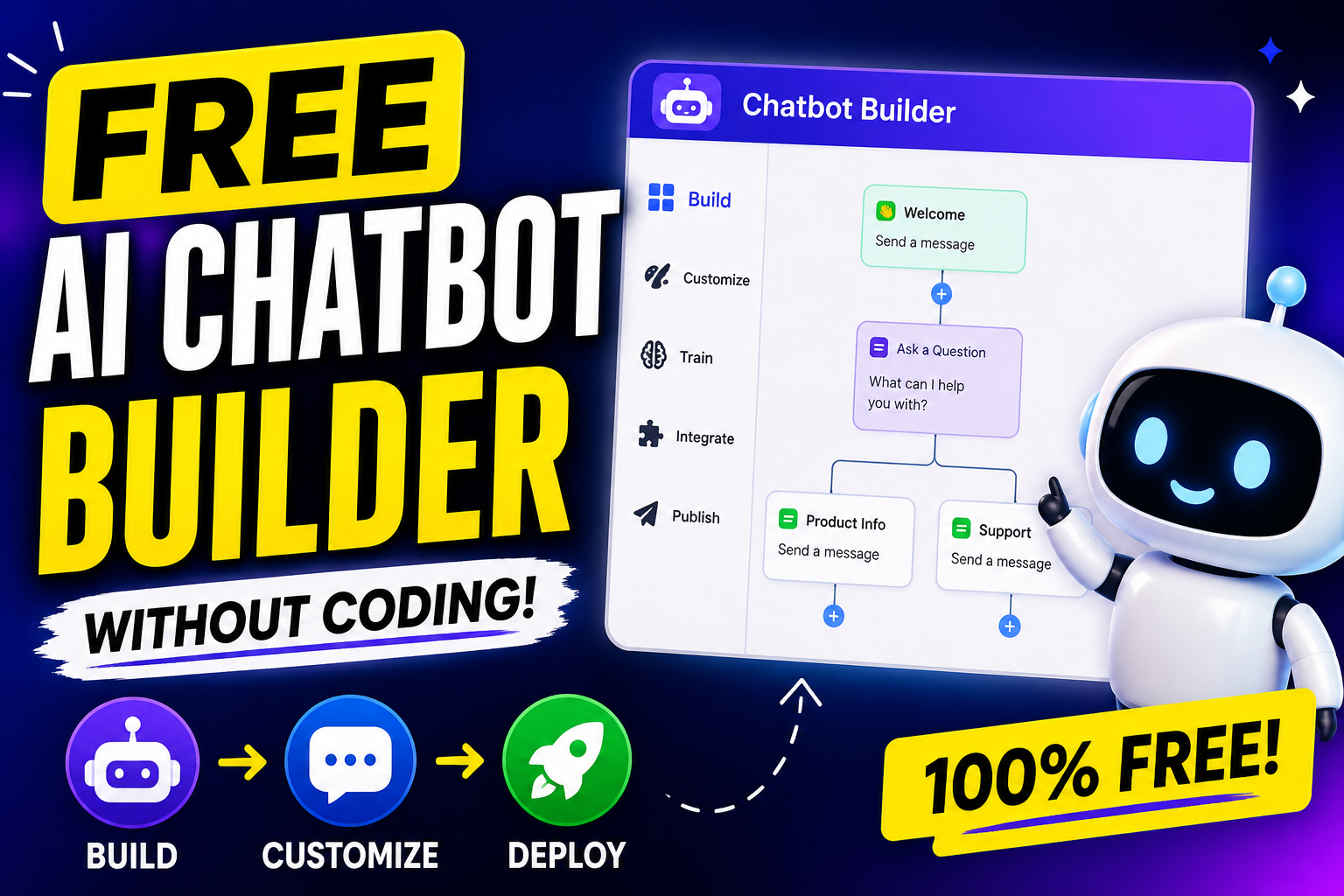
If you have ever wanted to create a chatbot but do not know how to write a single line of code, you are not alone. The good news is that you no longer need to be a programmer or an artificial intelligence expert to build a smart, conversational bot. Over the last few years, a whole industry of no‑code chatbot builders has emerged. Some of them are completely free, or at least offer a generous free tier that lets you build, test, and even publish a working AI chatbot.Free AI Chatbot Builder Without Coding
In this article, I will walk you through the best free tools available today. I will explain what each one can do, where it falls short, and how you can build your first chatbot in under an hour without touching any code. I will also share some practical tips to make your chatbot feel genuinely intelligent, even though you are using a drag‑and‑drop interface.
What Exactly Is a No‑Code AI Chatbot Builder?
A no‑code chatbot builder is a web‑based tool that lets you design conversation flows using visual elements. You click buttons, type responses, connect blocks, and the tool automatically handles the backend logic, hosting, and sometimes even the artificial intelligence part. Most of these platforms integrate with messaging channels like Facebook Messenger, WhatsApp, Instagram, or your own website.
When people say “AI chatbot” in this context, they usually mean one of two things. The first is a chatbot that uses natural language understanding (NLU) to recognise what the user wants, even if the user phrases it differently. For example, “I need a refund” and “How do I get my money back?” should trigger the same intent. The second is a chatbot that can learn from conversations and improve over time – but that is rare in free plans. Most free builders give you a rule‑based engine with a sprinkle of keyword matching. However, some integrate with free AI services like Dialogflow or Rasa, which do offer real NLU.
Throughout this article, I will focus on tools that give you real natural language processing without you having to write Python or JavaScript. I will also show you how to simulate AI behaviour using simple techniques like buttons and quick replies, which works perfectly for many small businesses and personal projects.
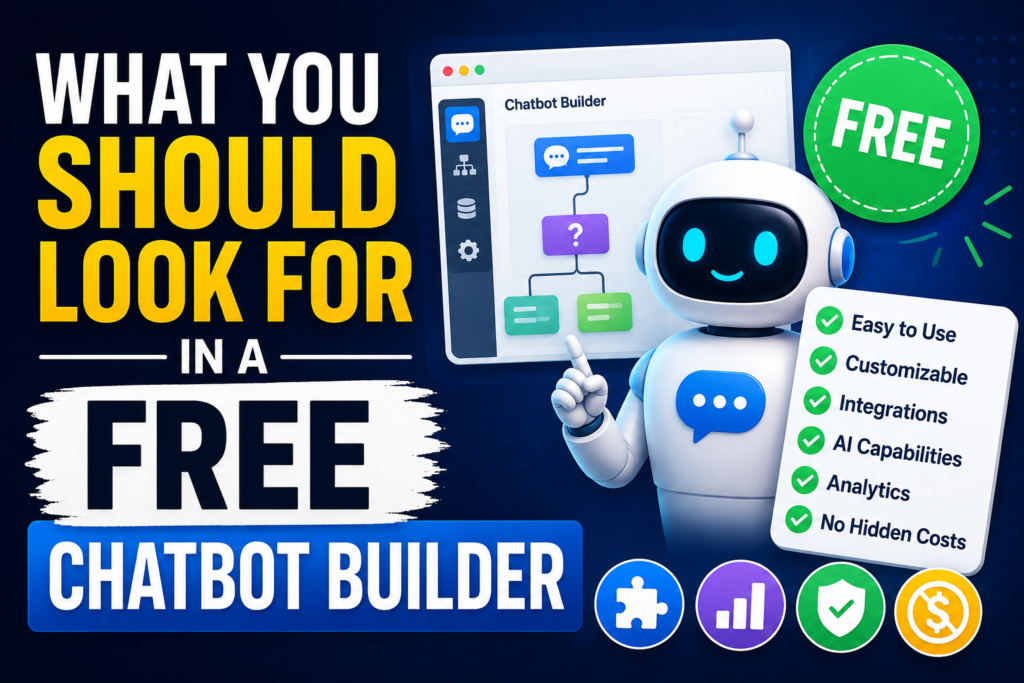
What You Should Look for in a Free Chatbot Builder
Before we jump into the specific tools, let us talk about what matters. Free plans always have limitations. You need to know which limitations you can live with.
Message volume – Some free builders cap you at 50 or 100 conversations per month. That is fine for testing but useless for a real customer support channel. Others limit by total messages sent. Look for something that gives you at least 500 to 1000 free interactions per month.
Channels – Do you need your bot on Facebook Messenger? Or on your website? Or on WhatsApp? Many free tools only support one channel. Choose accordingly.
AI features – Does the tool include built‑in intent recognition, or do you have to manually write every possible question pattern? Some free builders offer a basic “training” interface where you provide example sentences for each intent. That is the minimum you should accept if you want a true AI bot.
Export and ownership – Can you download your conversation flows? Can you migrate to a paid plan later without rebuilding everything? Read the fine print.
Branding – Free plans often force the builder’s logo or a “Powered by” link on your chat widget. Decide if you can live with that.
Now let me introduce you to the best free no‑code AI chatbot builders that I have personally tested.
Chatfuel – Best for Facebook Messenger
Chatfuel has been around for years. It started as a dedicated Facebook Messenger bot builder and has since expanded to Instagram and WhatsApp (though WhatsApp integration is paid). The free plan is surprisingly generous. You get up to 50,000 monthly active users for free. That means fifty thousand people can talk to your bot each month without you paying a cent. The only catch is that after 50,000, you need to upgrade. For most small projects, you will never hit that limit.
Chatfuel gives you a visual flow builder. You drag cards like “User message”, “Send text”, “Set variable”, “JSON API”, and connect them with lines. It also has a built‑in natural language engine. You create “blocks” and then train the bot with example phrases. For instance, you create a block called “OrderStatus”. You add training phrases like “Where is my order?”, “Track my package”, “What happened to my shipment?”. Then, when a user types something similar, Chatfuel automatically routes them to that block. You do not need to write any regular expressions or code.
One thing I love about Chatfuel is the “Smart Replies” feature. You can enable AI‑generated suggestions for live agents, but that is more for hybrid support. For a fully automated bot, the basic intent recognition works well enough.
To get started with Chatfuel, you sign up with a Facebook account. Connect a Facebook page that you admin. Then you can immediately start building. The interface is a bit dated but very stable. There is a learning curve because the logic is event‑based, but Chatfuel provides video tutorials. Within two hours, you can build a functioning FAQ bot.
The biggest limitation of the free plan is that you cannot use custom JSON API integrations unless you upgrade to the “Pro” plan. Also, the chatbot only works on Facebook Messenger and Instagram (for Instagram, you need to connect via the Facebook page as well). If your audience lives on Messenger, Chatfuel is your best free option.
ManyChat – Another Messenger Giant with More Features
ManyChat is Chatfuel’s main competitor. Its free plan is different. You get up to 1,000 contacts for free. That means 1,000 unique users who have interacted with your bot. After that, you pay per additional contact. For many small businesses, 1,000 contacts is plenty. ManyChat also offers a visual flow builder, but I find it even more intuitive than Chatfuel. The drag‑and‑drop interface feels modern. You have triggers, conditions, actions, and you can add delays and sequences.
ManyChat’s natural language understanding is not as strong as Chatfuel’s out of the box. It relies more on keywords and buttons. However, ManyChat integrates directly with Google Dialogflow (formerly API.ai) for free. Dialogflow is a powerful NLU engine from Google. You can train it with hundreds of example phrases, and it understands intents and entities like dates, product names, and locations. The integration is point‑and‑click – you connect your Dialogflow agent, map intents to ManyChat blocks, and you are done. Neither ManyChat nor Dialogflow charges for moderate usage. Dialogflow’s free tier gives you 180 requests per minute and 500 requests per 100 seconds. That is far above what a small bot will need.
So with ManyChat plus Dialogflow, you get a truly AI‑powered chatbot without code. The only work is training Dialogflow, which you do through a web interface – typing example sentences and assigning intents. No programming required.
ManyChat also supports SMS and email in its paid plans, but the free tier only covers Messenger. Still, if you want real AI for free, ManyChat combined with Dialogflow is hard to beat.
Landbot – For Websites and WhatsApp
Landbot takes a different approach. Instead of a traditional flow builder, it gives you a conversational landing page – basically a chat widget that takes up the whole screen or sits in a corner. You design the conversation by typing the bot’s messages and adding user input options. Landbot is extremely beginner‑friendly. You literally write the dialogue as if you were scripting a play.
The free plan allows 100 conversations per month. That is low, but it is enough to test the tool and build a prototype. If you need more, paid plans start at around 30 euros per month. Landbot’s AI capabilities come from its “Intents” module. You can create intents and add training phrases. The bot then uses a machine learning model to recognise those intents from free text. I tested it with ten example phrases per intent, and it worked reasonably well. It is not as powerful as Dialogflow, but it requires zero setup – it is built right into Landbot.
Landbot also offers native WhatsApp integration, but that is only on paid plans. For a free website chatbot, Landbot is a good choice, especially if you value ease of use over high message volume.
Tars – Specialised for Chatbot Landing Pages
Tars is known for its “chatbot landing pages” – full‑page chat experiences that replace traditional web forms. The free plan gives you one live chatbot and up to 100 chats per month. That is very restrictive, but Tars is not really meant for high‑volume free usage. I mention it because the builder itself is excellent for designing AI‑powered lead generation bots. You can drag and drop elements like text, choices, input fields, and even file uploads. The NLP engine is called “Tars NLU”. You train it by providing alternative ways users might ask the same thing. For example, for an intent “book demo”, you add “schedule a call”, “arrange a meeting”, “let me talk to sales”.
Tars also has a feature called “AI Suggest” that reads your conversation flow and automatically suggests new training phrases based on real user inputs. That is quite advanced for a free tool, even if the volume cap is low. If you only need a demo or a proof‑of‑concept, Tars is worth a look.
Botpress – Open‑Source and Self‑Hosted (Technically Free)
Botpress is different from all the above. It is an open‑source chatbot development platform. You download and install it on your own computer or server. Because it is self‑hosted, there is no recurring fee. You can build unlimited chatbots with unlimited conversations. The catch is that you need to manage the server yourself. But you do not need to write code. Botpress comes with a visual conversation studio that is incredibly powerful. You design flows by dragging nodes. It has a built‑in NLU engine that you train by providing intents and entities – all through a graphical interface. You do not touch code unless you want to write custom actions in JavaScript.
For a non‑programmer, installing Botpress might be a hurdle. You need to know how to run a program on your computer or rent a small cloud server. However, Botpress provides a desktop version for Windows, Mac, and Linux. You download it, double‑click, and it runs a local server. Then you open your browser and start building. That requires no coding knowledge at all. The desktop version is completely free.
The downside is that to put the chatbot on your website or Messenger, you need to host it somewhere with a public URL. That can be done for free using services like Heroku or Railway, but those involve a bit of command line work. If you are determined to avoid all technical steps, Botpress may not be for you. But if you have a friend who can help you with hosting, Botpress gives you unlimited free AI chatbot power with no hidden costs.
Tidio – Simple Live Chat + Chatbot Combo
Tidio is primarily a live chat tool for websites. It includes a chatbot builder that is very easy to use. The free plan gives you 50 unique conversations per month and up to 3 active chatbots. That is low, but Tidio’s chatbot is purely rule‑based unless you upgrade to the “Communicator” plan which gives you visual flow builder with some keyword matching. For real AI, Tidio offers integration with Dialogflow (paid only, on their “Chatbots” plan). So Tidio free tier is not truly AI. I mention it because many beginners start there, but for a truly intelligent bot, look elsewhere.
MobileMonkey – Omnichannel Free Tier
MobileMonkey is an omnichannel chatbot builder that supports Facebook Messenger, Instagram, WhatsApp, SMS, and web chat. Its free plan is surprisingly generous: you get up to 1,000 monthly conversations, access to the visual builder, and basic keyword automation. MobileMonkey has its own NLP engine called “Smart Intents”. You can create intents and add training phrases. The bot uses a lightweight AI to classify user messages. I tested it with a dozen intents, and it performed adequately.
The free version also includes a “Chat Widget” for your website. This widget can collect leads and answer FAQs. MobileMonkey’s interface is a bit cluttered with upsells, but the core functionality is free. If you want a single bot that works across multiple channels without paying, MobileMonkey is a strong candidate.
Flow XO – Flexible but Limited Free Plan
Flow XO has been around for a long time. It supports many channels: Slack, Telegram, Facebook, website, etc. The free plan gives you 500 tasks per month. A “task” is one step in a conversation – basically a message or action. So if a user exchanges five messages with the bot, that consumes five tasks. That is very low. You will hit the limit quickly. However, Flow XO’s builder is very visual and includes support for “Natural Language” where you can add multiple triggers for the same response. It is not a full NLU engine, but you can simulate one by adding many patterns. For a tiny personal project, the free tier might suffice.
SendPulse – All‑in‑One Marketing with Chatbot
SendPulse is primarily an email marketing platform, but it includes a free chatbot builder for Facebook Messenger and Telegram. The free plan gives you up to 1,000 contacts and all the core features: visual flow builder, broadcast messages, and automation. The NLP is basic keyword matching, not intent recognition. You can, however, connect SendPulse to Dialogflow (as an integration) to get real AI. That integration requires some pointing and clicking but no coding. SendPulse’s free tier is generous for Facebook bots, but if you want website chat, you need a paid plan.
Step‑by‑Step: Build Your First Free AI Chatbot (Using Chatfuel as an Example)
Let me walk you through building a simple AI chatbot on Chatfuel. This will take you about 20 minutes.
Step 1 – Go to Chatfuel.com and sign up with Facebook. Authorise the app to access your Facebook pages. Create a new bot and select the Facebook page you want to attach it to.
Step 2 – You land on the dashboard. Click “Automate” in the left menu. You will see a canvas with a “Start” block. That is where the conversation begins.
Step 3 – Click the “+” button under Start. Choose “User message” (that means the bot waits for the user to type something). Then connect that to a “Set attribute” block? Actually, for a simple FAQ, you can directly connect the user message to a “Send message” block. But we want AI, so we will use the “AI” block. Drag an “AI” block onto the canvas. Connect the user message to it.
Step 4 – In the AI block, you will see a list of possible user intents. Right now it is empty. Click “Add intent”. Name it “Hours”. In the “User says” field, type “What are your hours?” Then click “Add new phrase” and type “When are you open?” Add a third phrase: “What time do you open?” Add five or six variations.
Step 5 – Create a second intent named “Location”. Add phrases like “Where are you located?”, “What is your address?”, “How do I find you?”
Step 6 – Now you need to tell the bot what to say for each intent. In the AI block, for the “Hours” intent, click “Add response”. Type “We are open Monday to Friday from 9am to 6pm Eastern Time.” For the “Location” intent, add a response with your address.
Step 7 – You should also add a default response for when the AI does not recognise the intent. In the AI block, scroll down to “Default answer” and type “Sorry, I didn’t understand that. Please try asking about our hours or location.”
Step 8 – Save the block. Now go back to the canvas and connect the AI block to an “End” block (or just leave it; the conversation ends after the bot replies).
Step 9 – Click “Publish” in the top right. Chatfuel will publish the bot to your Facebook page. Now go to your Facebook page and send a message. Try “What are your hours?” and “I need your address”. The bot will recognise these and reply with the correct answers.
That is a functional AI chatbot built without a single line of code. The AI recognises intents even if the user phrases things slightly differently. You can add as many intents as you like. The free plan supports up to 50,000 monthly users.
Adding Real AI Power with Dialogflow (No Code)
The built‑in AI in Chatfuel works fine for simple cases, but if you want industrial‑strength language understanding, you should use Google Dialogflow. Here is how to connect it to ManyChat (or Chatfuel) without coding.
First, go to Dialogflow.com. Sign in with a Google account. Create a new agent. Give it a name. In the agent, create intents. For each intent, add many training phrases. Dialogflow also supports entities – for example, you can extract a product name or a date from the user’s sentence. You test the agent in the Dialogflow console to make sure it recognises your test phrases.
Then, in ManyChat, go to Settings > Integrations > Dialogflow. Paste your Dialogflow agent’s project ID (you can find it in Dialogflow settings). Map each Dialogflow intent to a ManyChat block. That’s it. Now your ManyChat bot will send every user message to Dialogflow, get the recognised intent and any extracted parameters, and then trigger the corresponding flow.
This combination gives you a free, highly accurate AI chatbot that can understand complex requests. The free tiers of both ManyChat and Dialogflow are more than enough for a small project.
Limitations You Will Hit and How to Work Around Them
No free tool is perfect. Here are the most common problems and what you can do about them.
Low message limits – Many free plans cap you at 50 to 500 conversations per month. If you expect more traffic, consider using Botpress (self‑hosted) or start with a free tier and plan to upgrade when you outgrow it. Alternatively, use a combination: a free Facebook bot for high volume (Chatfuel’s 50k users) and a separate website chatbot with lower limits.
No advanced AI features like sentiment analysis – Free tools rarely include sentiment detection. But you can fake it: if a user types “I am very angry”, you can add that exact phrase as a keyword trigger that routes to a special apology block. Not elegant, but it works.
Lack of training data – Your AI will only be as smart as the examples you provide. Spend time writing at least 10 to 20 varied training phrases for each intent. Include common misspellings, different word orders, and slang. That dramatically improves recognition.
No analytics – Free plans often restrict access to conversation logs and analytics. You can still manually read your chats if the tool allows export, or you can use the free tier of Zapier to log conversations to a Google Sheet. That gives you basic insight.
When Should You Consider a Paid Plan?
If your bot becomes popular and you hit the free tier limits, or if you need professional features like live chat handover, custom branding removal, or API access, then paying is reasonable. Most platforms charge between 15and50 per month for the next tier. That is affordable for a business. For a personal project, you can often stay free forever by using Botpress.
Final Recommendations
If you want a pure no‑code experience with generous free limits, start with Chatfuel for Facebook Messenger. It is beginner‑friendly, has built‑in AI, and supports 50,000 users per month free.
If you need a website chatbot and can live with 100 conversations per month, Landbot is extremely easy.
If you are willing to spend an afternoon learning to install software, Botpress gives you unlimited power for free, with real NLU and no user caps.
If you want best‑in‑class AI without code, combine ManyChat (free for 1,000 contacts) with Dialogflow (free for generous API limits). That is the closest you can get to a professional AI chatbot at zero cost.
Whichever path you choose, remember that building a good chatbot is not about the tool – it is about understanding what your users need and designing helpful, friendly conversations. The no‑code revolution has put this power into your hands. Now go build something useful.